AI-Driven CGI Production
A multimodal creative agent can translate voice, text, and visual critique into reversible actions inside creative production software without removing human authorship.
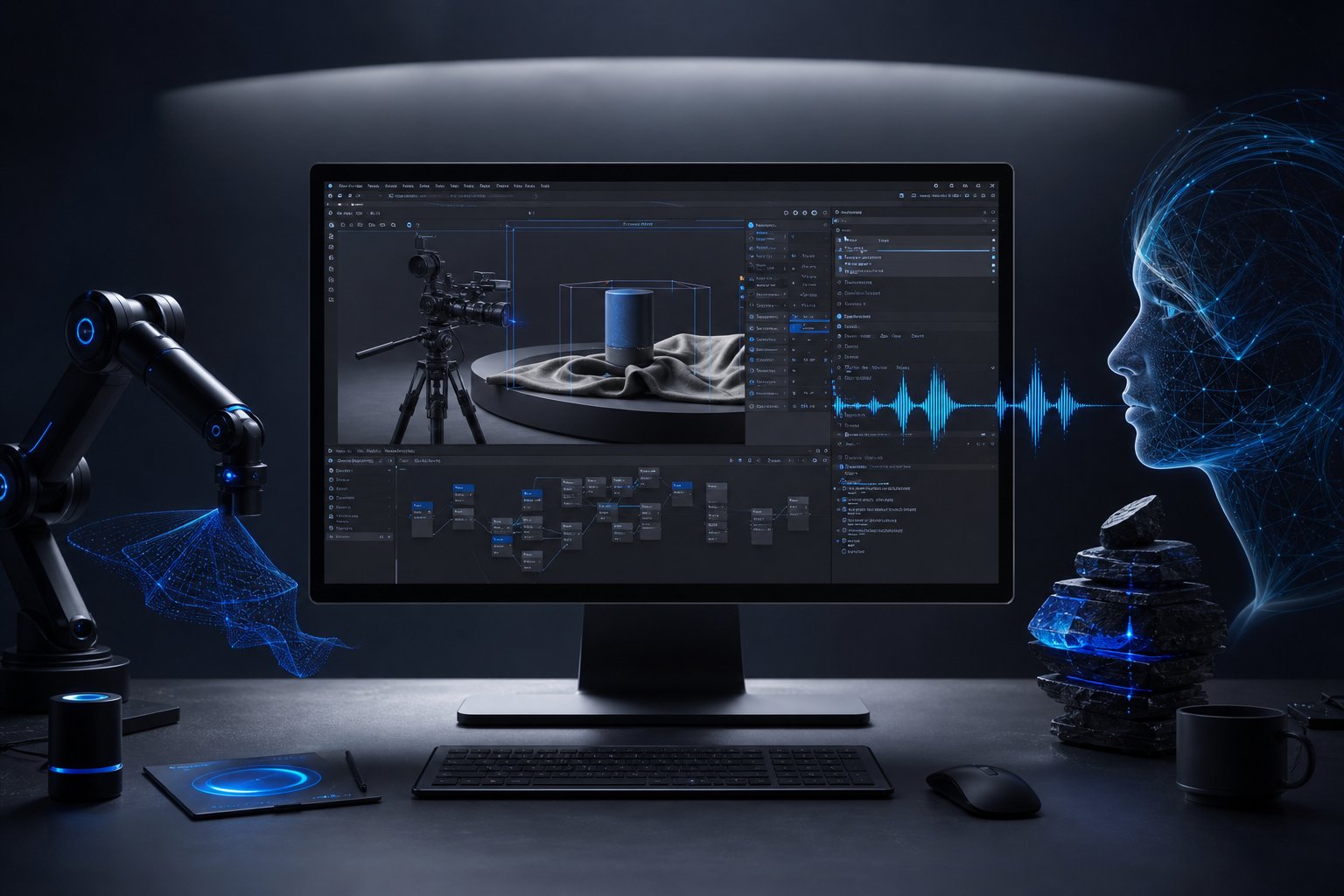
Creative production often stalls between critique and execution: selecting objects, adjusting values, rebuilding nodes, rendering previews, exporting versions, and repeating until the file matches the direction.
Premise
Directed Execution studies an AI agent that reads creative direction, inspects the active file, and performs scoped edits through software-native controls.

The user gives input through:
- spoken notes
- text commands
- viewport screenshots
- draw-over annotations
- reference images
- timeline or render feedback
The agent converts that input into bounded software actions. In Blender, this means Python operations, scene inspection, material edits, lighting changes, camera moves, render settings, object organization, and preview output. In other tools, the same pattern can map to compositing nodes, edit timelines, rig controls, batch exports, or asset-generation steps.
The point is not full autonomy. The system is an execution layer for human direction.
Why It Matters
Most AI creative tools generate isolated artifacts. Production happens inside existing files, with naming rules, linked assets, version constraints, and accumulated technical debt.
A useful production agent must respect the scene, not replace it. It needs to know what is selected, what is linked, what materials exist, what render engine is active, what file path is safe, and what kind of edit would damage the pipeline.
The high-value target is the middle of production: the repeated micro-actions between critique and approval.
Examples:
- “Make the key light softer and warmer, but keep the rim readable.”
- “This material feels too plastic; reduce the specular bite and add surface variation.”
- “Frame this like a product hero shot, 70 mm lens, slight top-down angle.”
- “Clean the scene hierarchy and name the objects by function.”
- “Render three preview variants and show me what changed.”
The hard problem is translating subjective art direction into measurable operations. “Heavier” may mean scale, pose, camera height, contact shadows, material density, animation timing, or silhouette width. The agent must propose an interpretation before applying high-impact edits.
How It Works
The system runs as a human-in-the-loop control loop.
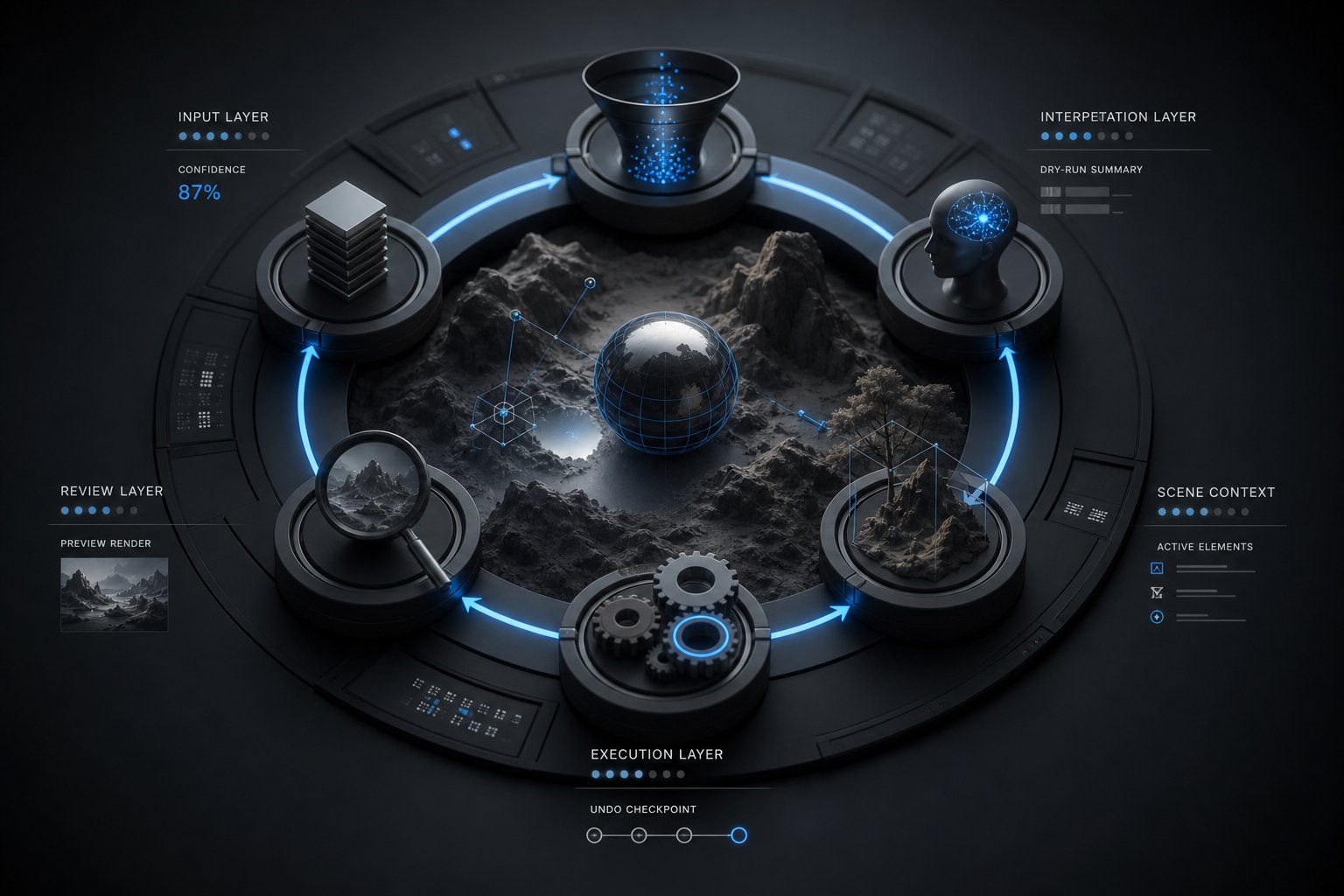
- Input layer: speech-to-text, chat, screenshot capture, reference ingestion, markup parsing.
- Interpretation layer: intent extraction, task classification, confidence scoring, missing-context detection.
- Context layer: scene graph, selected objects, materials, node trees, timeline state, render settings, asset paths.
- Execution layer: MCP-style function calls, Blender Python, software APIs, command palettes, hotkeys, cursor control only when no structured interface exists.
- Review layer: preview render, before/after comparison, change log, undo checkpoint, rollback.
Any executable action needs an allowlist, scoped file permissions, and a dry-run summary before it touches a production scene.
Blender is the cleanest first target: mature Python API, open add-on architecture, inspectable scene data, geometry nodes, rendering controls, and enough production relevance to expose real constraints.
The first prototype should support five bounded commands:
- adjust lighting mood
- modify material response
- reframe camera
- organize scene objects
- generate preview renders with change logs
Each command should run as a reversible transaction: checkpoint the file, propose a plan, execute scoped edits, render a preview, summarize changes, wait for approval.
Next
Build a minimal Blender-ArX bridge with three capabilities:
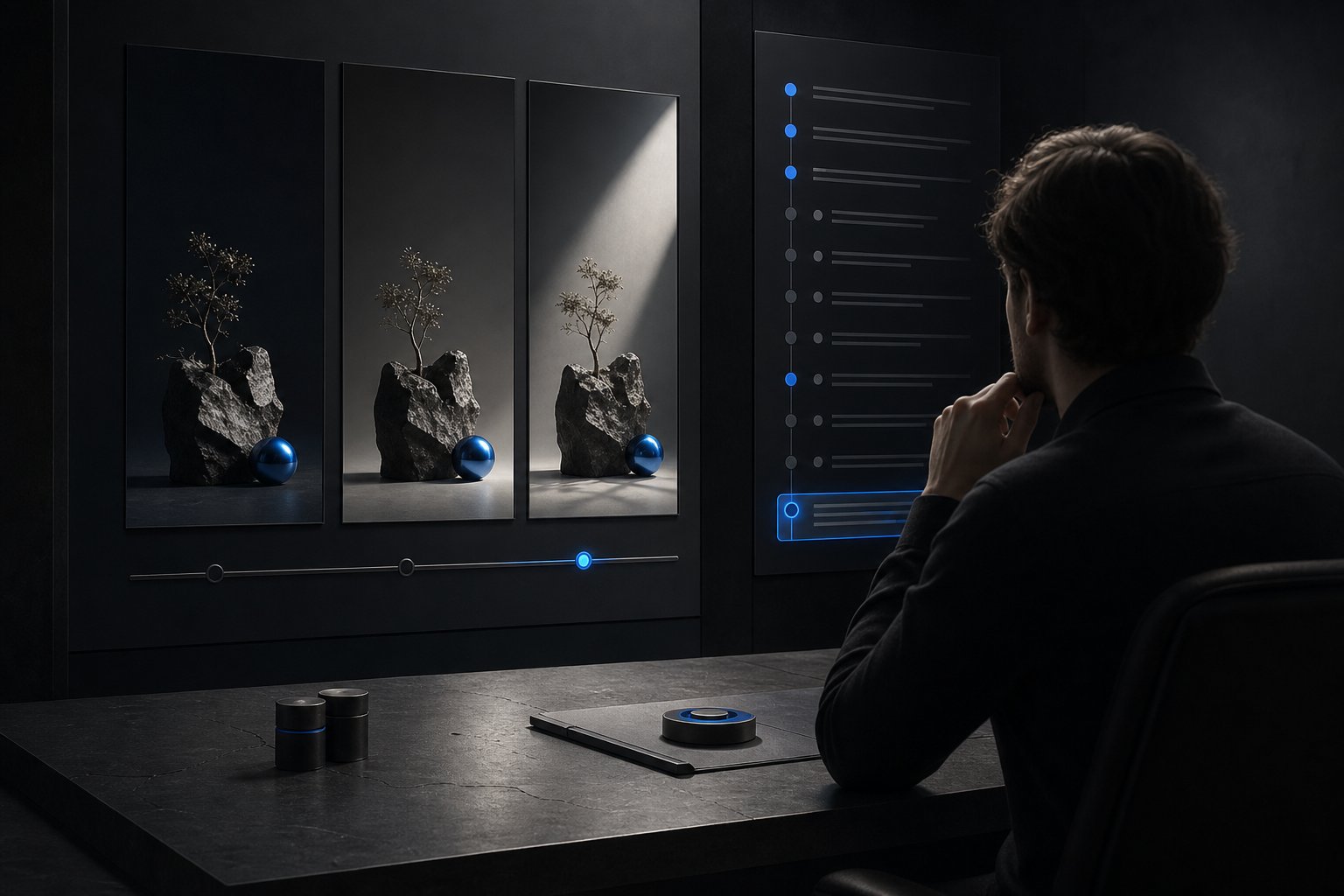
- inspect the active scene and return structured context;
- execute a small library of safe Python operations;
- generate viewport or render previews with an edit ledger.
The proof benchmark: complete ten common Blender adjustments at least 30% faster than manual work, with zero destructive edits and a readable ledger for every change.
Success is not whether the agent can operate Blender. Success is whether an artist trusts it with live files.
Failure modes to test early:
- technically valid edits that miss the artistic intent;
- broken UI automation across software versions;
- destructive scene changes;
- unclear action chains;
- slow preview cycles;
- overconfident execution when the instruction is ambiguous.
The second proof can move into node-based compositing, where graph edits are inspectable and diffs are meaningful. Timeline editing should come later; it is more subjective and needs stronger preview review, transcript alignment, and rhythm-aware evaluation.
Generation Prompts
thumbnail AI-driven CGI production workstation, Blender open on a large monitor with annotated product scene, execution panel showing scoped plan, Python action log, voice waveform, before-after thumbnails, node graph and rollback control, matte graphite interface with precise blue accents, soft rim-lit dark studio, hyper-real technical clarity, cinematic 3:2 hero composition, ultra-detailed render
control-loop human-in-the-loop execution loop for CGI software, circular system diagram with input layer, interpretation layer, scene context, execution layer and review layer surrounding a live Blender scene, visible confidence score, dry-run summary, undo checkpoint and preview render, dark matte technical dashboard, blue highlight logic, soft studio lighting, crisp parametric layout, photoreal UI mockup
edit-ledger reversible Blender automation proof benchmark, artist reviewing three preview render variants beside a structured edit ledger, scene hierarchy renamed by function, material and lighting changes listed with timestamps, rollback checkpoint visible, calm premium workstation environment, matte off-black panels, restrained blue accents, neutral illumination, hyper-real screen detail, production-safe trust-focused composition
input-mapping multimodal creative direction pipeline, spoken notes, text command, viewport screenshot, draw-over annotation and reference image converging into a bounded Blender edit plan, clean modular interface cards around a central scene preview, matte neutral surfaces, single electric-blue signal path, studio-lit precision, hyper-real infographic realism, sharp labels, high resolution